Visiting Korea
Which SIM should you buy at Incheon Airport? Start with whether you need a Korean number
Counter locations and hours by terminal, what Korea's 2026 identity check means for a passport holder, and the four cases where each product wins
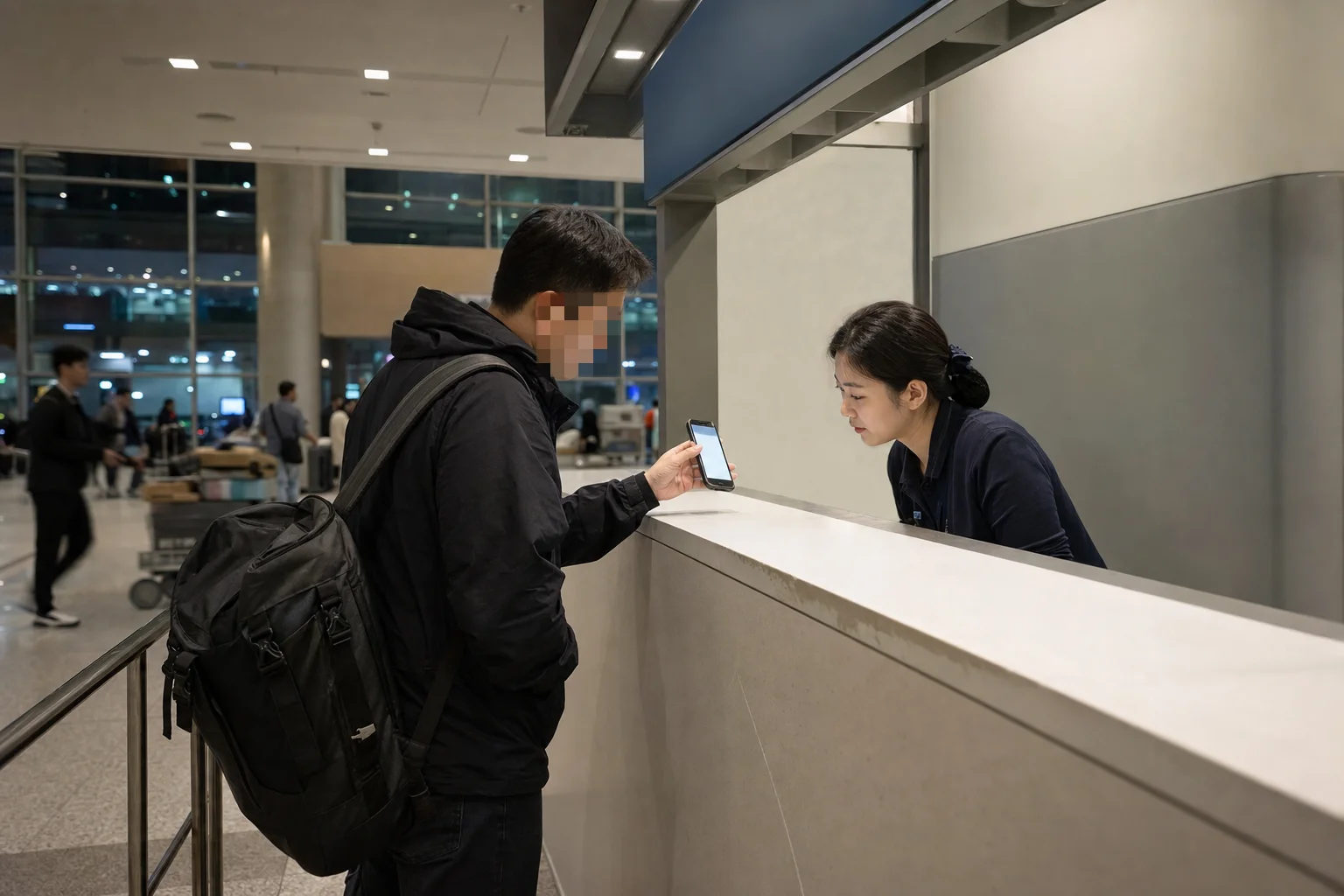
At a glance
Data-only and an unlocked eSIM phone? Buy the eSIM before you fly. Get a physical SIM at the arrival hall only if something in Korea actually has to text or call you.
Most guides to buying a SIM at Incheon Airport answer the wrong question.
The price gap between the options is small — the gap between "this works for my trip" and "I queued for forty minutes for a product I didn't need" is not.
So this starts with three questions you can answer right now, before you book anything, and ends with which counters are still open if you land at 1 a.m.
Start here: three questions that settle it
Answer these and the product picks itself.
Does anything in Korea actually have to text or call you? A guesthouse host, a tour operator, a Korean site that SMS-verifies at checkout. If nothing does, you need data, not a number.
Is your handset eSIM-capable and carrier-unlocked? Dial
*#06#. If an EID appears, the phone supports eSIM. A phone still locked to your home carrier will refuse any Korean profile regardless.How many devices and people are sharing? One phone is a SIM problem. Three phones, a tablet and a laptop is a router problem.
Your case | Buy | Where and when | The catch |
|---|---|---|---|
Data only, unlocked eSIM phone | Prepaid eSIM | Order online before you fly; install over airport Wi-Fi | Not offered for every Android brand |
Something must reach you by SMS or call | Physical prepaid SIM with a Korean 010 number | Arrival hall counter, passport in hand | The number still won't pass bank or government checks |
Two or more devices, or a locked phone | Pocket Wi-Fi rental | Arrival hall counter, card in your own name | Deposit hold, and somebody has to carry and charge it |
Under about 3 days, or you simply can't face a counter | Your home carrier's day pass | Switch it on before you land | Compare the daily rate against a 3-day Korean plan first |
Do you actually need a Korean phone number?
For most short trips, no — and the reason is the part that surprises people.
A tourist prepaid SIM does give you a real Korean 010 number that can receive calls and texts for free, per LG U+.
What it does not give you is Korean identity.
The same page states plainly that its SMS verification works for apps but not for banking or government services.
Buying a number does not buy you the thing a Korean number normally unlocks.
What you want to do | Korean 010 number needed? | Notes |
|---|---|---|
Maps and transit directions | No | Data only. See why Google Maps is only half a map here |
Hailing a taxi | No | k.ride, TADA, TABA and MOVV accept overseas numbers and overseas cards, per the Korea Tourism Organization |
Food delivery | Not always | Several apps now work without one — we checked which |
Restaurant waitlists, ticketing sites | Often yes | Many Korean booking services SMS-verify. Varies by service — test it before you depend on it |
Bank, government, Korean identity verification | A tourist number won't do it | Needs resident-level verification, not a prepaid line |
Being called back by a host or driver | Helpful | A local number is easier for a Korean caller to dial than an international one |
Will your phone take a Korean eSIM?
Three separate ways this fails, and only one of them is obvious at the counter.
Brand. LG U+ states its eSIM is not supported on Google Pixel, Motorola or OPPO devices.
If you're carrying one of those, plan on a physical SIM or a pocket router — do not discover this in the arrivals queue.
Carrier lock. A handset still locked to your home carrier will reject a Korean profile.
Unlock it before you fly; a Korean counter cannot unlock a foreign carrier's phone.
The bootstrap problem. An eSIM profile has to be downloaded, and Apple's setup guide is clear that the iPhone must already be on Wi-Fi or an existing connection to install one.
Landing with no roaming and no profile means you install it over airport Wi-Fi.
That works — Incheon International Airport provides free courtesy Wi-Fi across the passenger terminals under the network name AirportWiFi — but it is a step, in a crowded hall, after a long flight.
Can you actually activate it? The 2026 identity check
This is the section no affiliate listicle runs, and it's the one that strands people.
From 6 July 2026, the Ministry of Science and ICT began phasing in a facial-authentication step when a mobile line is activated, applied first to new activations and number ports, across the in-person and online channels of the three carriers and the budget operators.
If the face check fails or you decline it, the published fallbacks are a mobile ID app or a same-day resident registration abstract.
Read that fallback list again: both are Korean-resident instruments.
Neither exists for a visitor on a tourist passport.
The ministry has said improvements to verifying foreign nationals' identity documents are being developed with the Ministry of Justice — which is another way of saying this part of the rollout is still moving.
What that means in practice, honestly stated:
Carry the physical passport you entered on. A photocopy or a phone photo is exactly the loophole being closed — a carrier was reported in October 2025 to have activated foreign nationals' lines on passport copies, and that is what triggered the tightening.
Give the counter more time than you planned. Mid-rollout means staff are learning a new step too.
Two rules that circulate widely are not confirmed. Guides frequently state that an e-visa or K-ETA printout is refused at the counter, and that a passport is capped at 90 days of prepaid service in a rolling 180. I could not find either in a government, regulator or carrier primary source. Treat both as unverified rather than as facts to plan around — and if a long stay depends on it, ask the carrier directly before you fly.
Where the counters are, and which are open at 1 a.m.
All three carriers staff the arrival level of both terminals, and in each terminal one cluster runs around the clock.
From the airport's own English facility directory:
Terminal and spot | Carriers | Hours |
|---|---|---|
T1, Arrival Hall A (1F, east side) | SK Telecom, KT, LG U+ | 06:00–22:00 |
T1, Arrival Hall F (1F, west side) | SK Telecom, KT, LG U+ | 24 hours |
T2, near Exit 4 (1F) | KT, LG U+ | 24 hours |
T2, near Exit 7 (1F) | SK Telecom | 24 hours |
T2, near Exit 7 (1F) | LG U+ | 06:00–22:00 |
Pocket Wi-Fi counters branded Wifi dosirak sit near Arrival Hall F in Terminal 1 and near Exit 3 in Terminal 2, both 06:00–22:00.
The counters at check-in level (3F) are aimed at Koreans heading abroad, not at you.
Stay on the arrival level.
Which carrier?
For a traveler, effectively none of the three.
The Ministry of Science and ICT's 2025 quality evaluation puts the country's remaining weak spots in specific subway and high-speed-rail sections rather than in one company's network, with high-speed-rail improvements scheduled through 2027. Choose on counter hours and price, not on brand.
What it costs
Option | Published price (LG U+, checked 2026-08-04) | Best for | The catch |
|---|---|---|---|
Prepaid eSIM or SIM | for 1 day · for 3 days · for 5 days | One traveler, one phone | No refund after payment on the data eSIM |
Pocket Wi-Fi rental | per day | Two or more devices | Card authorisation of 1,111 won, or a deposit on a debit card |
Home-carrier day pass | 12 US dollars per line per day (AT&T, as a reference point only) | Trips under about 3 days | Every carrier prices this differently — check yours |
A few specifics worth knowing before you compare:
Plans of 3 days or more include a free T-money card, which folds neatly into the transit payment decision you're about to make anyway. There's also a bundled Korea Tour Pass combining data, a number and a transit and payment card — compare it against buying separately.
Incoming calls and texts are free on the voice-capable SIM. Outgoing domestic calls run 4.4 won per second (264 won per minute) and domestic SMS 55 won each.
The pocket router takes up to 10 devices and can be returned at any of the operator's centres at Incheon, Gimpo or Gimhae — you are not tied to the terminal you picked it up in. The deposit card must be in the same name as your passport.
Officially published tiers ran 1 to 5 days at the time of writing. Longer terms are sold, but I could not verify their official prices, so don't assume a 30-day plan scales down proportionally — confirm before booking.
Landing after midnight
If your flight gets in at 00:40, the sequence is short.
Clear immigration and baggage, then head for the 24-hour cluster: Arrival Hall F in Terminal 1, or Exit 4 in Terminal 2.
If you pre-ordered an eSIM, skip the counter entirely — connect to
AirportWiFi, install the profile, and walk on.Have the passport out. It is the only document the counter can work with.
Then the other half of a late landing: whether anything is still running to the city.
That's a separate decision, and it's time-sensitive.
Staying longer than a tourist plan runs
Prepaid tourist products are built around visitor-length stays.
If you're arriving to study, work or settle, the airport SIM is a bridge, not a solution — the long-term path runs through an Alien Registration Card and a regular carrier or MVNO contract, which is what finally unlocks the banking and government verification a prepaid line can't touch.
Buy the short plan at the airport so you're online on day one.
Sort the real line out once your card is in hand.
How this article was prepared
Sources checked
- Incheon International Airport — Terminal 1 convenience facility directory (communications)Linked page is in Korean— Official English directory: carrier counter names, floor and arrival hall locations, operating hours in Terminal 1
- Incheon International Airport — Terminal 2 convenience facility directory (communications)Linked page is in Korean— Official English directory: Terminal 2 counter locations by exit number and 24-hour designations
- Incheon International Airport — Frequently Asked QuestionsLinked page is in Korean— Free courtesy Wi-Fi across the passenger terminals, network name AirportWiFi
- LG U+ Korea eSIM product page (data)— Duration tiers and won prices, unlimited data wording, 60-day activation window, no-refund and no-reissue terms, unsupported handset brands, EID check
- LG U+ Korea SIM card product page (data and voice)— Korean 010 number with free incoming calls and texts, outgoing call and SMS rates, free T-money card on plans of 3 days or more, passport upload
- LG U+ Pocket Wi-Fi rental page— Daily rate, credit-card authorisation versus debit deposit, 10-device limit, return-at-any-centre policy
- LG U+ Incheon Airport customer centre (Terminal 1)— Vendor's own gate designations and hours for its Terminal 1 arrival hall desks
- LG U+ Incheon Airport customer centre (Terminal 2)— Vendor's own gate designations and hours for its Terminal 2 arrival hall desks
- LG U+ Korea Tour Pass— Existence of a bundle combining data, a Korean number and a transit and payment card
- KT roaming — official English site for travellers to Korea— KT's own English branding and traveller SIM and eSIM product entry point
- Korea.kr policy news — facial authentication for mobile phone activationLinked page is in Korean— Ministry announcement of the phased facial-authentication step, the 6 July 2026 start, and the alternative verification routes
- MoneyToday — facial authentication introduced for phone activation on 6 JulyLinked page is in Korean— Confirms the start date, that new activations and number ports come first, and that all carrier and MVNO channels are covered
- MoneyToday — carrier activated foreign nationals' lines on passport copiesLinked page is in Korean— Documented weakness in foreigner identity checks and the resulting tightening, which is why a passport photocopy is not usable
- Ministry of Science and ICT — 2025 telecommunications coverage and quality evaluationLinked page is in Korean— Weak-signal locations concentrated in subway and high-speed rail sections rather than in one carrier
- Korea Tourism Organization — ride-hailing apps in Korea— Official confirmation that k.ride, TADA, TABA and MOVV accept overseas phone numbers and overseas cards
- Apple Support — Set up an eSIM on iPhone— An iPhone must already be on Wi-Fi or an existing connection to install an eSIM profile
- AT&T International Day Pass— Published daily rate used only as a roaming comparison anchor
Related reading
Tax refunds in Korea: instant at the store, downtown, or at the airport?
Visitors staying under 6 months should take the instant discount on receipts under 1,000,000 won. Bigger receipts go to the airport or a downtown booth, and customs must confirm the goods before checked bags go.
Incheon Airport to Seoul: Train, Bus, or Taxi? Decide by Arrival Time and Luggage
With light luggage, the AREX train (4,750–13,000 won) is the best way into Seoul; big bags favor the 17,000-won limousine bus, and after the last trains around midnight it's a night bus or a flat-rate taxi (70,000–95,000 won).
Can you order on Baemin without a Korean phone number or card? Usually, but you still need a phone that gets texts
Baemin says foreigners can order as guests with an overseas number that receives SMS and pay with an overseas credit card. With no SMS, Shuttle or takeout is the realistic route.